Drop a USPS, UPS, FedEx or DHL label — LabelForge rebuilds it for whatever you print on: DYMO spine and shipping rolls, 4 × 6 thermal, address and Avery labels. The real barcodes come along as pixels, so it stays mailable. Hit ⌘P, stick, ship.
Download for macOS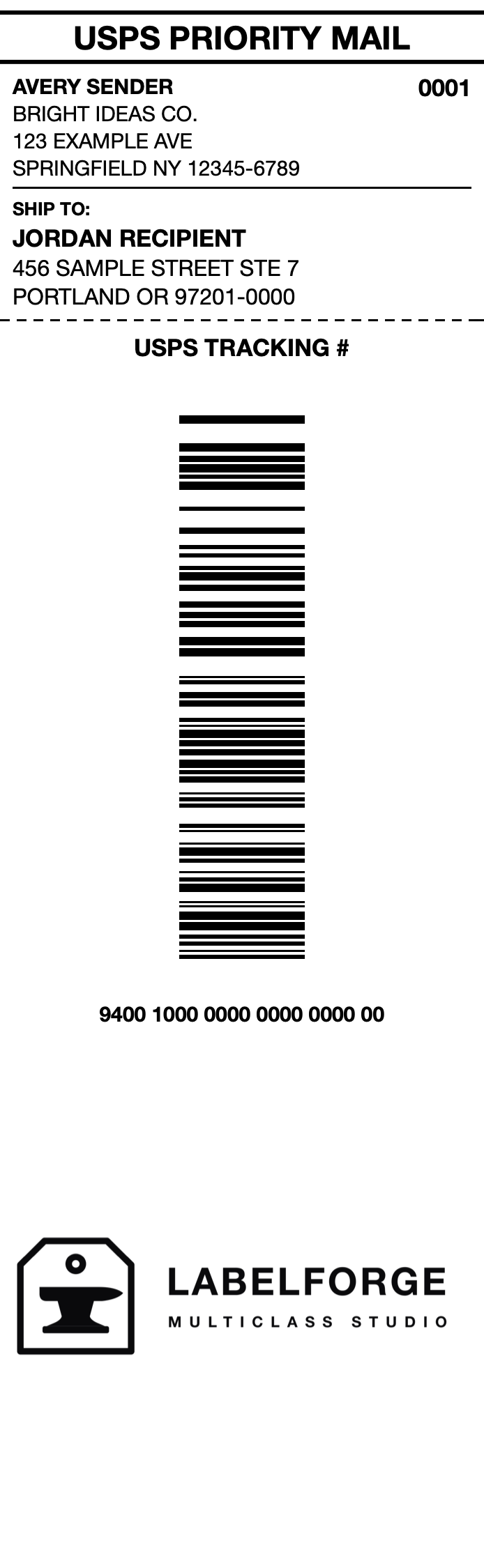
Barcodes are cropped from your source label as pixels — never regenerated from the printed digits. Carrier barcodes encode routing and service data that isn't in the visible number; rebuilding one can get mail mis-sorted. LabelForge keeps the exact encoded payload intact.
Sandboxed with no network entitlement at all — your labels, addresses and tracking numbers never leave your Mac. Nothing to sign up for, nothing phoned home.
USPS, UPS, FedEx and DHL. PDFs (including multi-page batches — it finds the label page), PNGs and JPEGs. Addresses, service and tracking are prefilled for you to confirm; every field stays editable.
Swift + SwiftUI on Apple's Vision, PDFKit and Accelerate frameworks. A ~2 MB universal binary — no Electron, no runtime, no dependencies.
PDF or image. LabelForge detects the carrier, decodes the barcodes, and prefills the addresses and tracking number.
Check the barcodes to keep, tweak any text, add your branding mark — or don't.
Pick your stock — DYMO spine or shipping, 4 × 6 thermal, or address/Avery labels (those build as a ship-to + return pair) — then print straight from the app (⌘P) or export a print-ready PDF / 300 dpi PNG. It even warns you if the barcode lands too small to scan reliably.
No label handy? Download the sample label (dummy addresses, not valid postage) and drop it in.
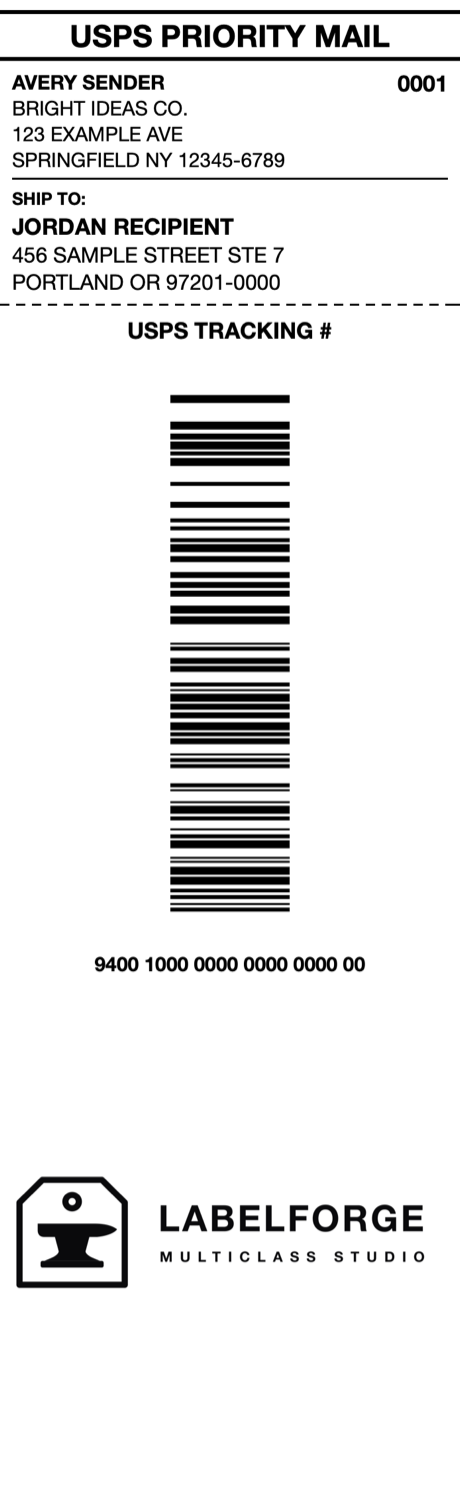
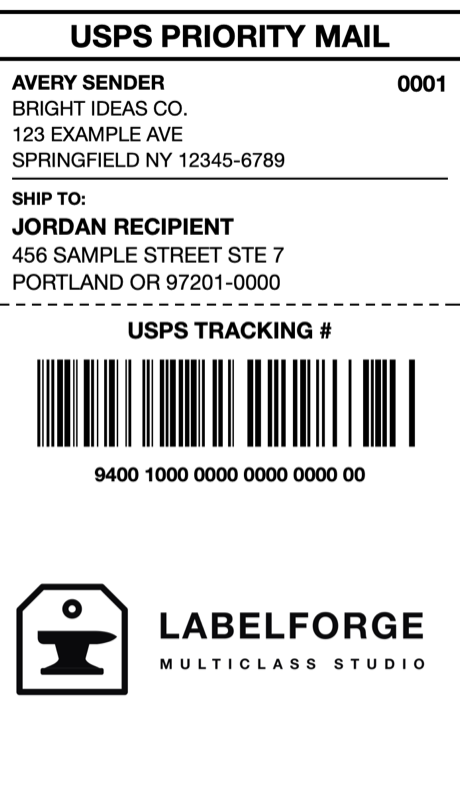
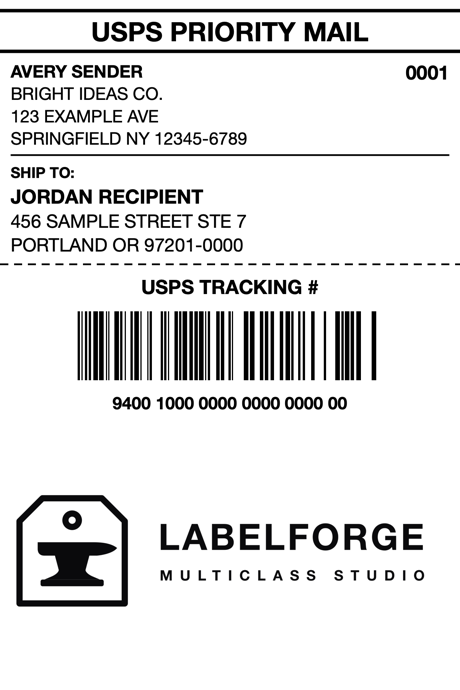
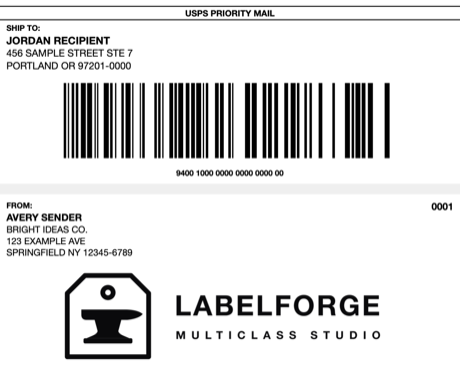
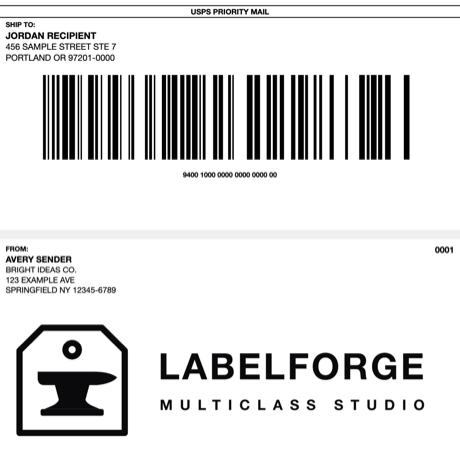
Shown at true relative scale. The small stocks build a two-label pair — ship-to + tracking, and a return-address + branding label — and in-app printing (⌘P) outputs both at actual size.